
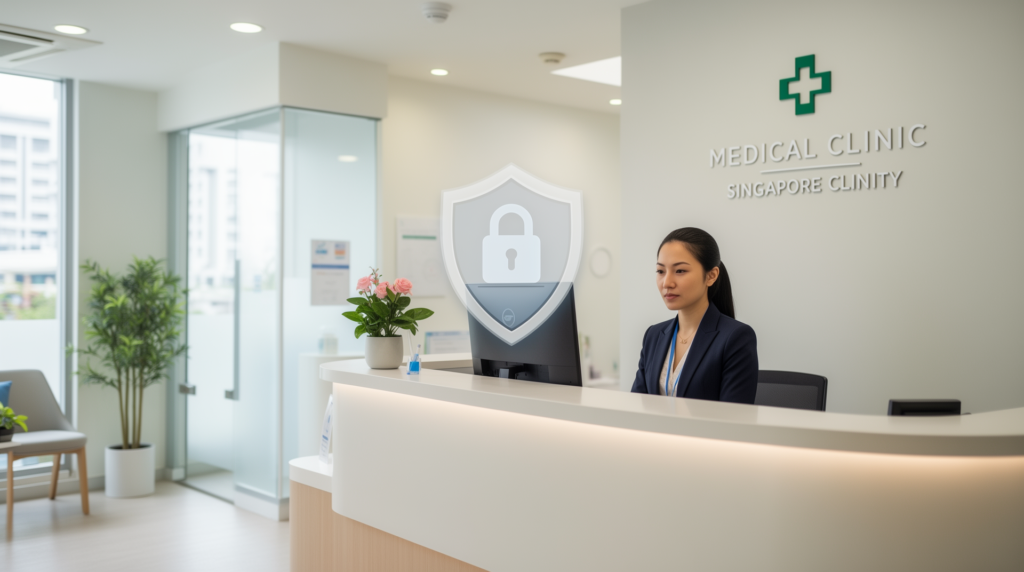
Running a clinic in Singapore means holding patient records, appointment notes, referral letters, and MC scans, most of it inside Microsoft 365. That also makes your tenant an attractive target for credential theft and business email compromise: clinics hold some of the most sensitive personal data an SME can carry.
This guide is the practical version: what a 5-to-50-person clinic should have switched on in Microsoft 365, what backup actually covers, and which parts of PDPA your IT setup quietly carries for you. No jargon, no enterprise tools you do not need.
Why clinic Microsoft 365 tenants get compromised
Phishing does not target your firewall. It targets your front desk. One successful login can give an attacker your patient list, your supplier invoices, and a mailbox they can read for months before anyone notices. Clinics are usually hit the same way every other SME is hit, through email, but the data behind the login is far more sensitive and far harder to replace.
The security baseline for a clinic tenant
Five things, roughly in order of impact:
- Multi-factor authentication on every account. Not just admin accounts. Reception, part-time staff, locums. MFA is widely regarded as one of the highest-value single controls against account takeover.
- Email filtering with link and attachment protection. The invoices, referrals, and lab results arriving by email are exactly what attackers imitate.
- Endpoint protection on every workstation. The front-desk PC that also opens USB drives is a likely infection point.
- Admin accounts separated from daily-use accounts. The person who checks the roster should not be browsing email as a global admin.
- Alerting that someone actually watches. A suspicious-login email that sits unread in an admin inbox is not monitoring. Sakal Network provides 24/7 monitoring as part of its managed security service.
Does Microsoft 365 back up your data?
The accurate answer is more subtle than a headline. Under Microsoft’s shared responsibility model, Microsoft runs and maintains the service, but you own your data and are responsible for protecting it. Microsoft 365 does include built-in retention and recovery features, but they are built around retention limits, not long-term backup: deleted items and mailboxes are recoverable only within limited windows, and once a retention period lapses or a site is removed, the native recovery options run out. A cloud copy that syncs a ransomware-encrypted folder is also just an encrypted copy. A dedicated backup layer covering Exchange Online, OneDrive, and SharePoint gives you independent restore points that stay under your control.
Where PDPA and your IT setup meet
PDPA obligations around protection of personal data translate directly into technical controls: access control (who can open patient records), data integrity (backups you can actually restore), and retention (what happens when a staff member leaves). We are not lawyers and this is not legal advice, but your IT configuration is where several of these obligations physically live, and it is the part we can assess.
What a clinic IT review covers
A structured review of your Microsoft 365 tenant, endpoints, backup coverage, and the controls above, resulting in a prioritised list: what is exposed, what is already fine, and what to fix first. Sakal Network has managed IT and security for Singapore SMEs since 2014, with 24/7 monitoring and a 99.9% uptime SLA.
Want a second opinion on where your clinic stands? Request an IT assessment and we will review your Microsoft 365 tenant and controls, then walk you through what we find.